Transform Windows 11.
Your Way.
Design custom Taskbars, Start Menus, and accent palettes in your browser, or install hand-crafted community themes with one click — no coding or system file patching required.
How It Works & Prerequisites
Windows 11 renders its shell via WinUI 3. We use the free, open-source Windhawk engine to safely inject translucent acrylic materials and accent brushes in memory without modifying a single system DLL.
Install Windhawk Engine
Windhawk is a lightweight open-source system customization platform that allows mods to inject UI styling safely into Explorer.
winget install RamenSoftware.WindhawkEnable the 3 Required Mods
Inside Windhawk, search the Mods tab and click Details → Accept Risk and Download for these three official stylers:
Download & Apply Any Theme
Download a preset below or design your own in the Studio. Extract the .zip and run Apply_Theme.bat as Administrator.
The script writes registry accent palettes, updates the wallpaper, injects Windhawk XAML styles, and reloads Explorer automatically.
Featured Themes Gallery
Click any theme to inspect high-resolution desktop mockups, download the complete installer package, or open it directly in the Theme Studio to customize every detail.
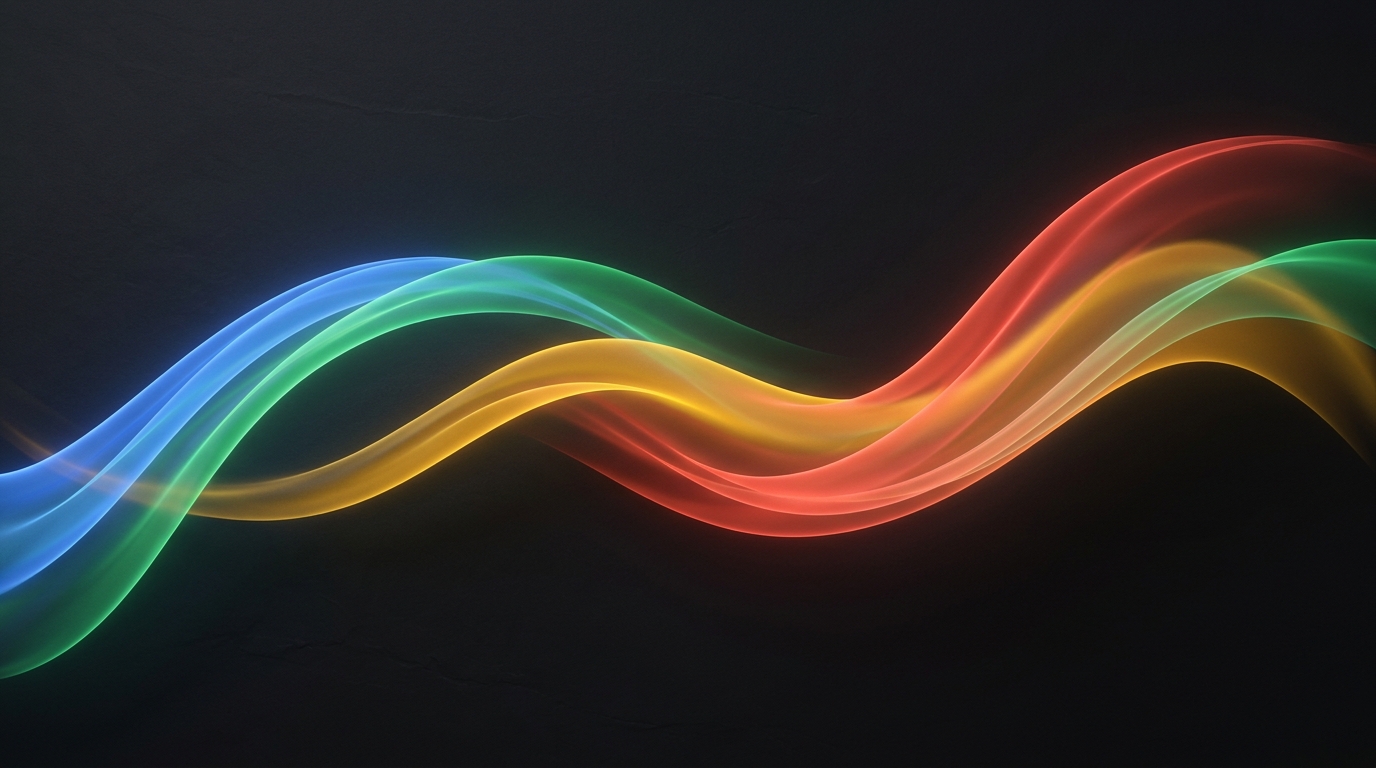
Google Assistant Wave
Vibrant kinetic wave colors with Google blue, red, yellow, and green accents across an authentic dark acrylic shell.
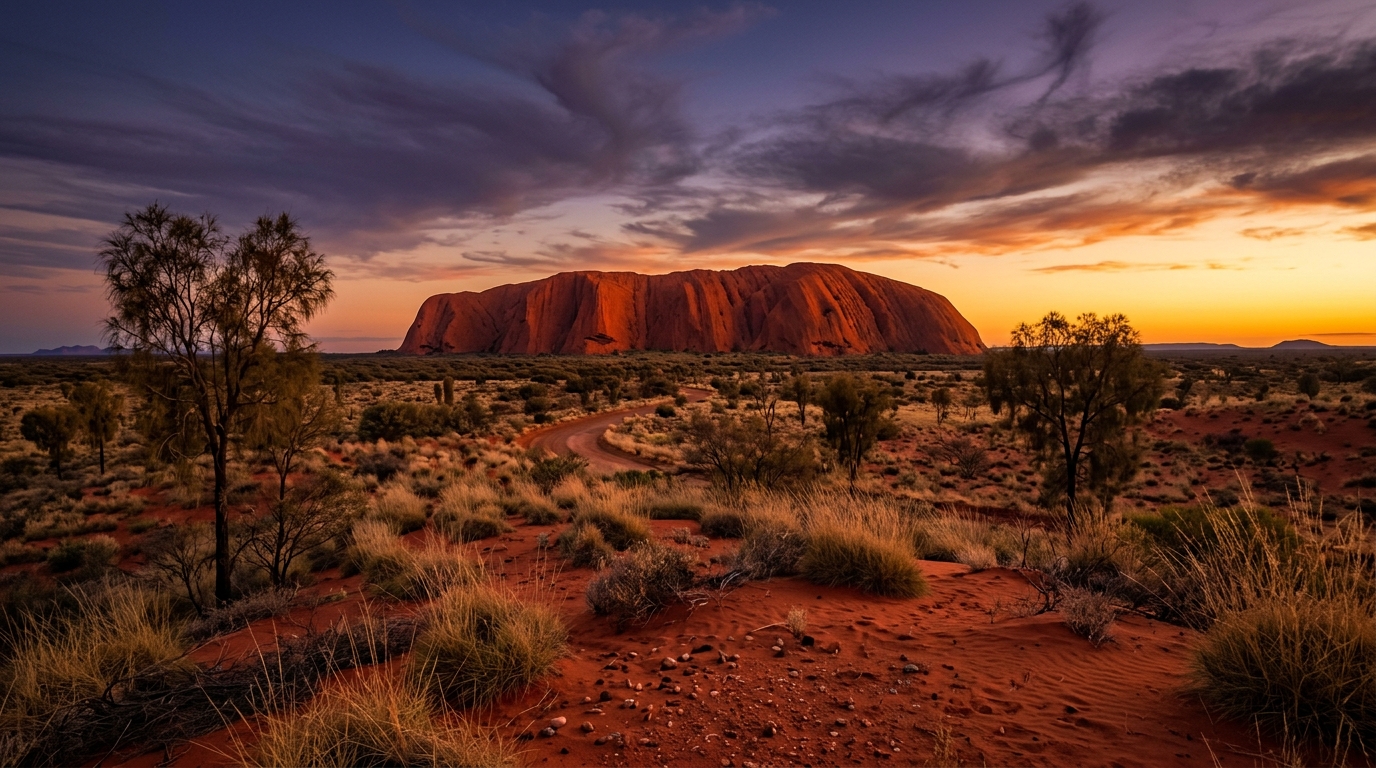
Uluru Red Centre Ochre
🌙 DarkRich terracotta red sands, ancient sandstone textures, and warm amber gold sunbursts from the Australian Red Centre.
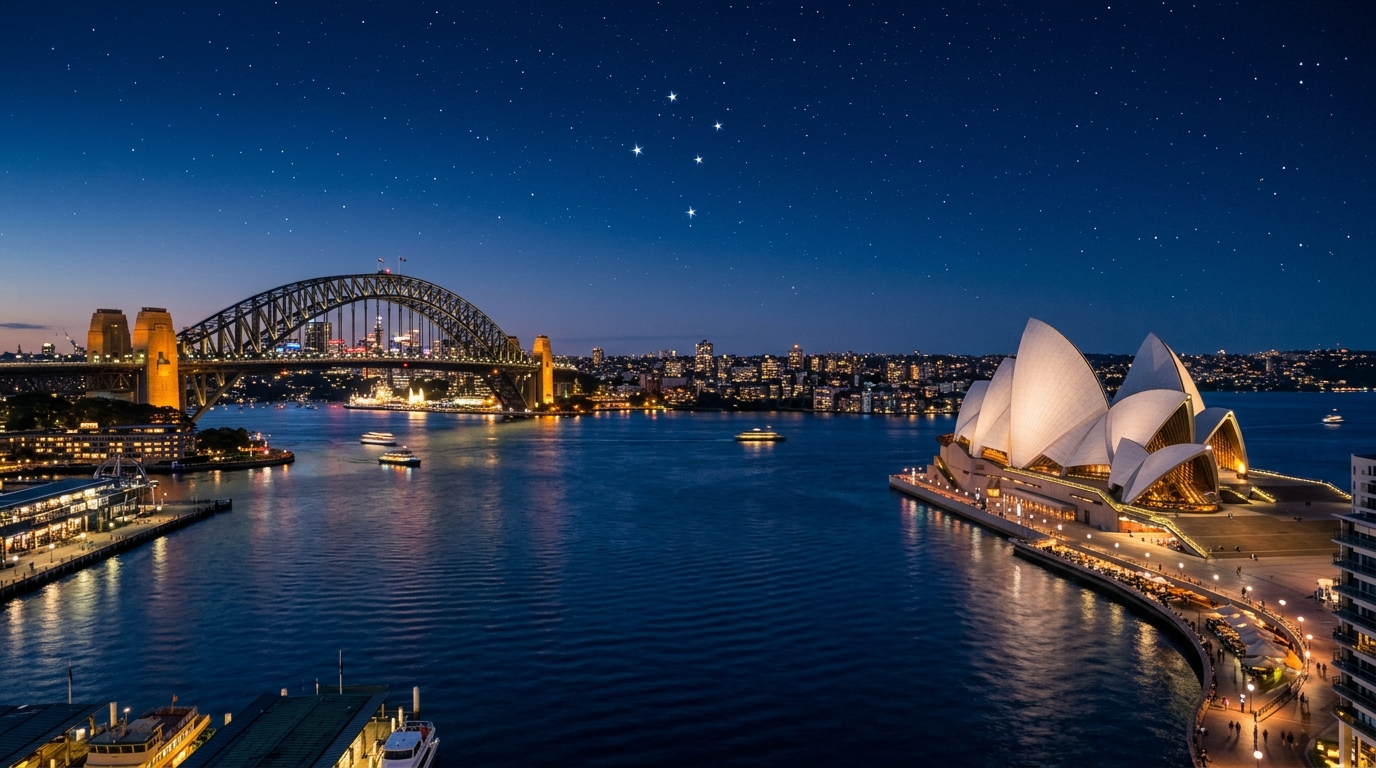
Sydney Harbour & Southern Cross
🌙 DarkMajestic deep Pacific harbor navy paired with shimmering Southern Cross champagne gold and crisp WinUI 3 glass.
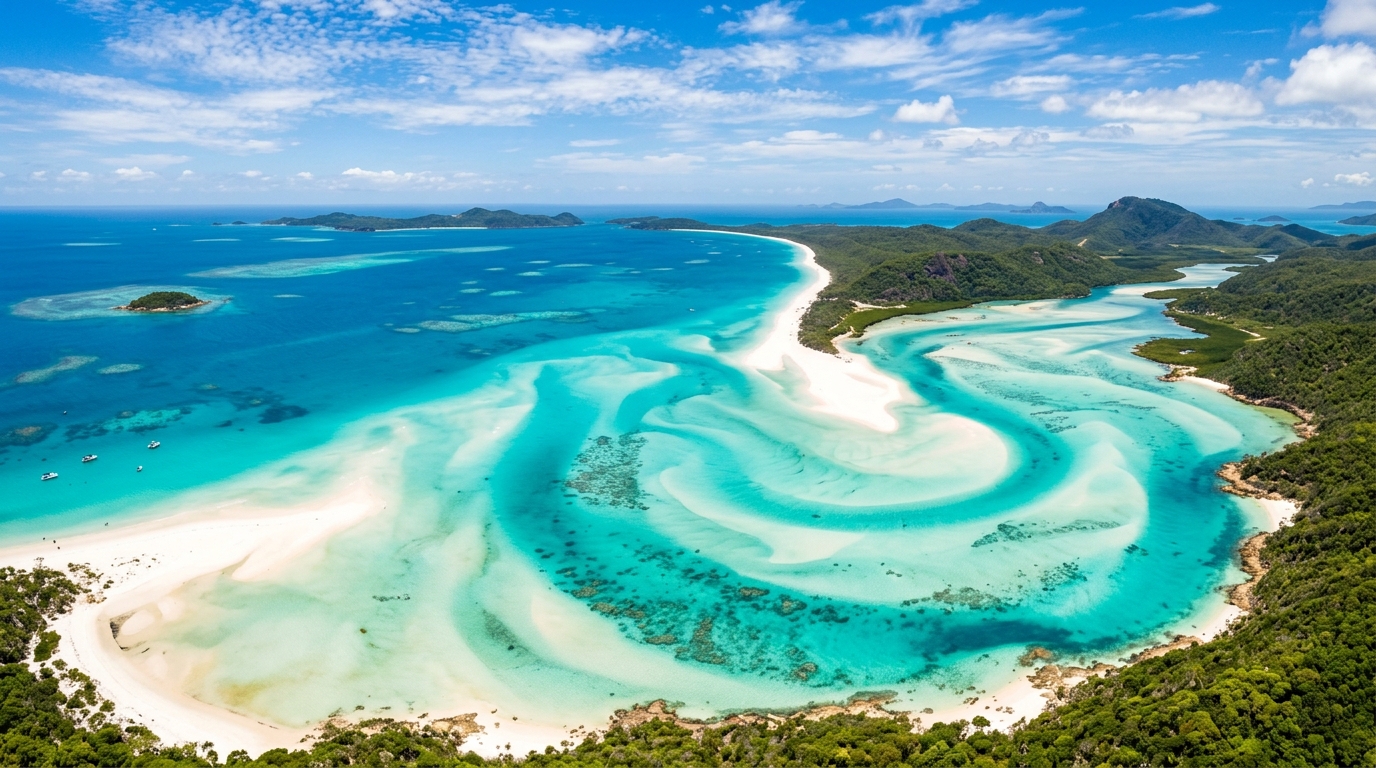
Great Barrier Reef & Whitsundays
🌙 DarkVibrant turquoise coral waters, Whitsunday azure ripples, and rounded floating island dock mode.
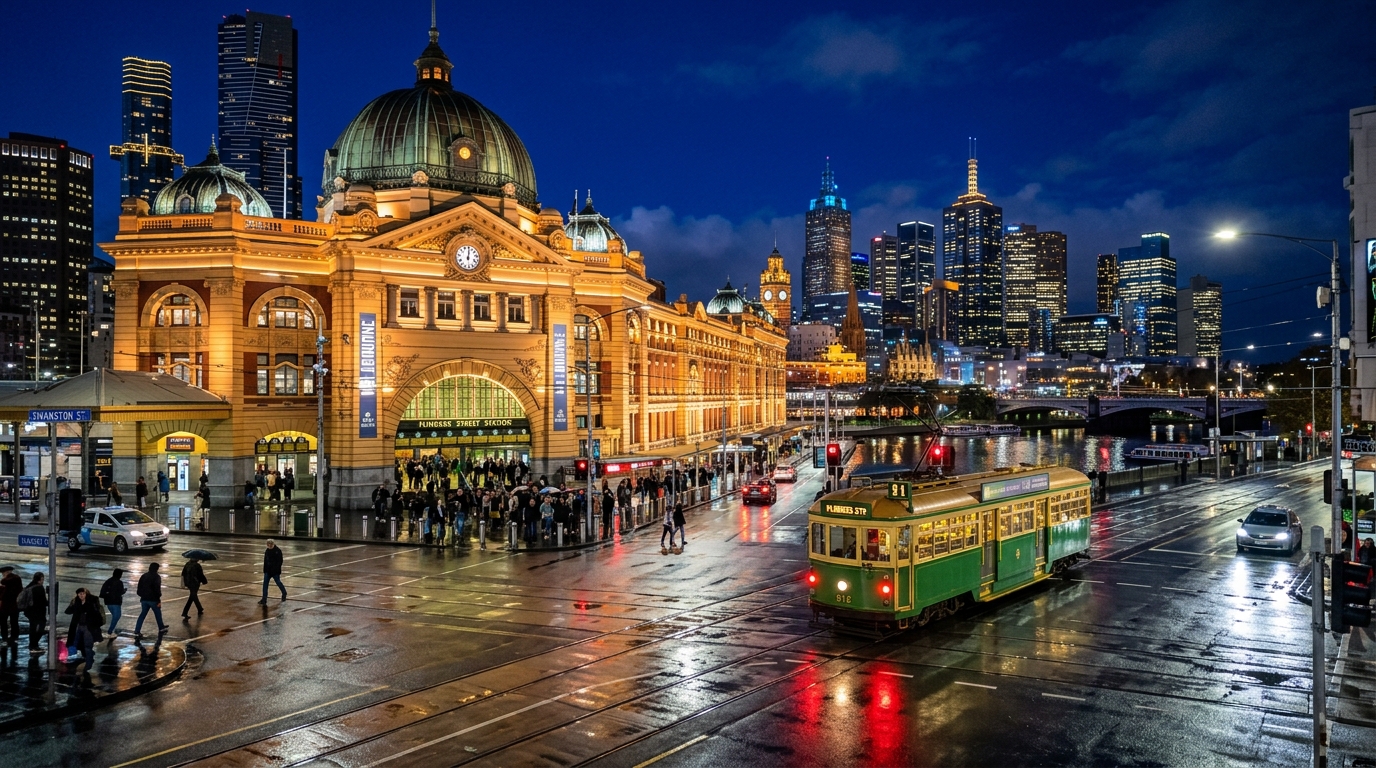
Federation Midnight & Eureka
🌙 DarkHistoric Eureka Stockade midnight blue, starburst crimson, and angular sharp-edged contrast.
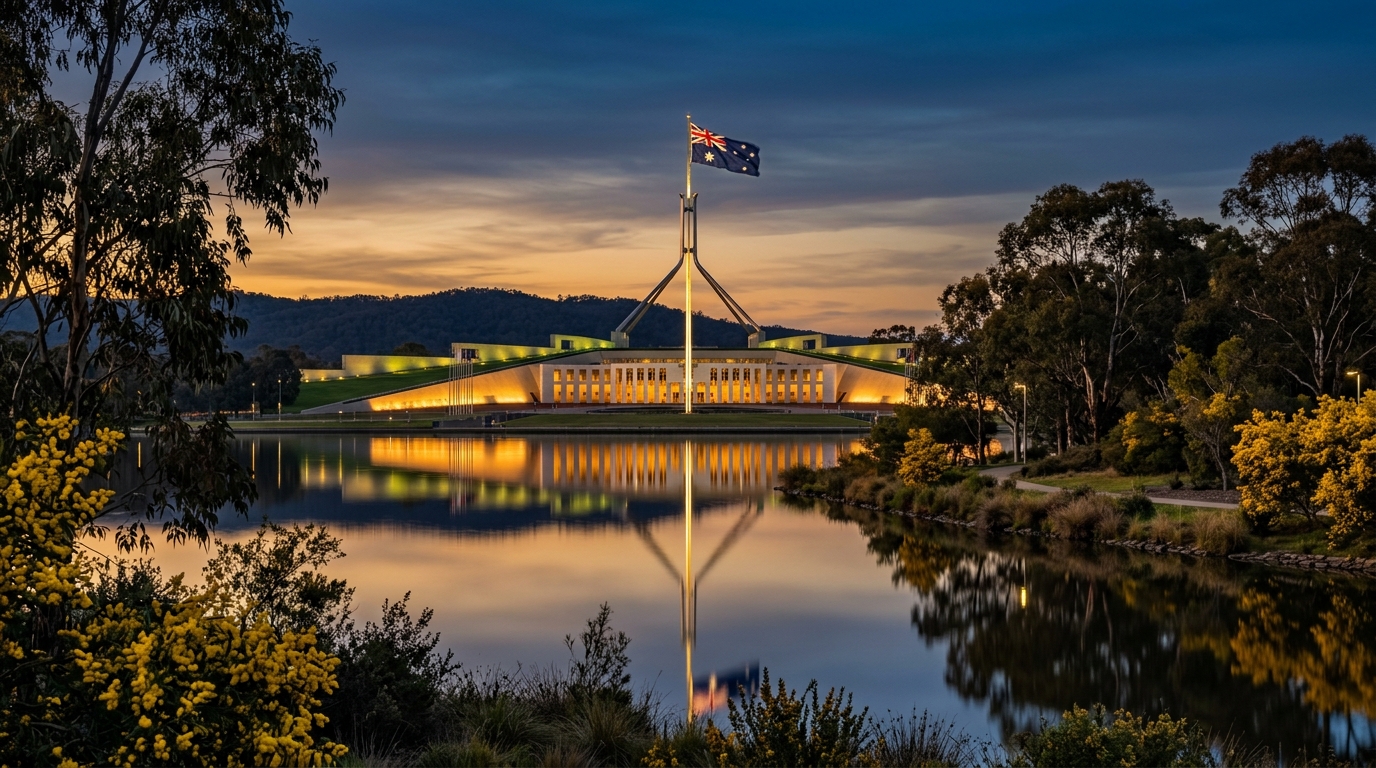
Canberra Parliament & Wattle
🌙 DarkDistinguished parliamentary deep green matched with bright golden wattle blossom highlights and smooth pill geometry.
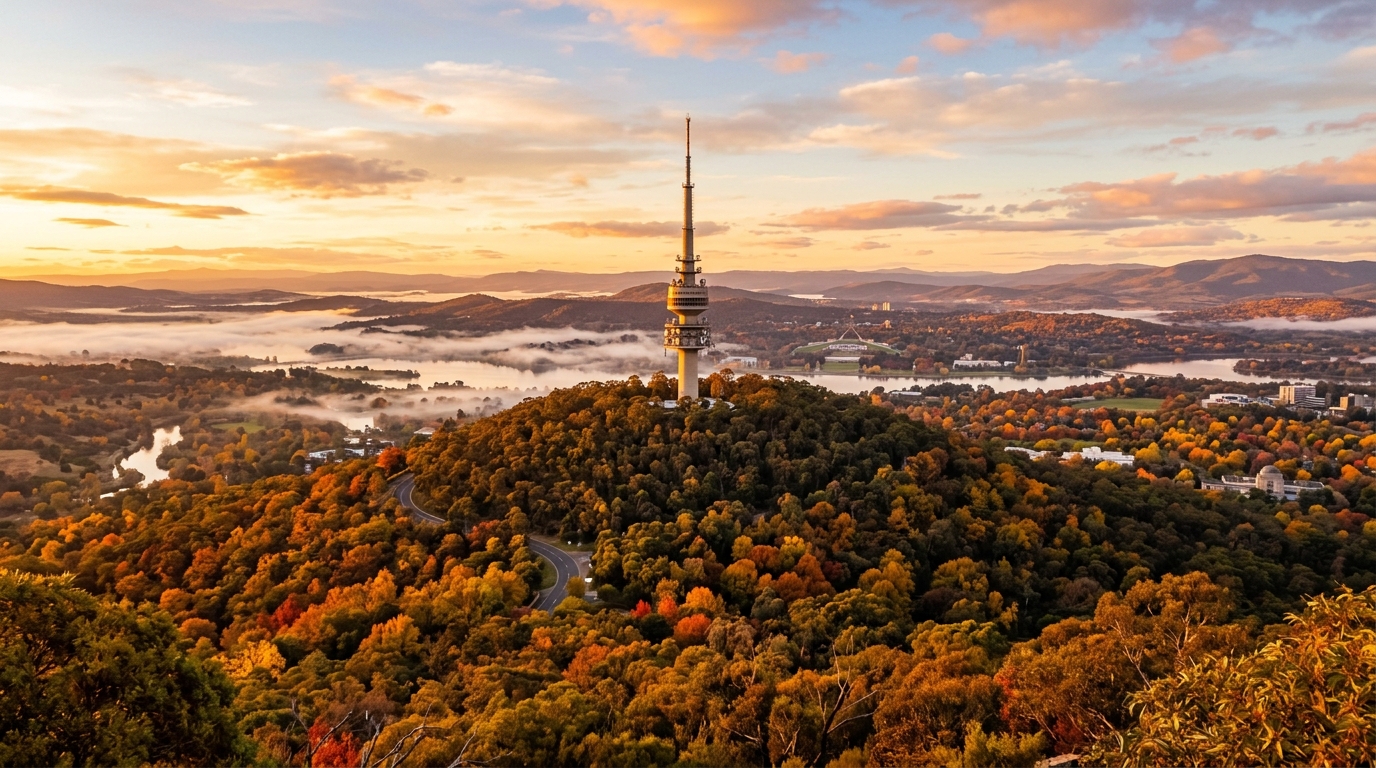
Canberra Autumn & Telstra Tower
🌙 DarkCozy autumn oak foliage around Lake Burley Griffin with crisp golden amber and russet evening hues.
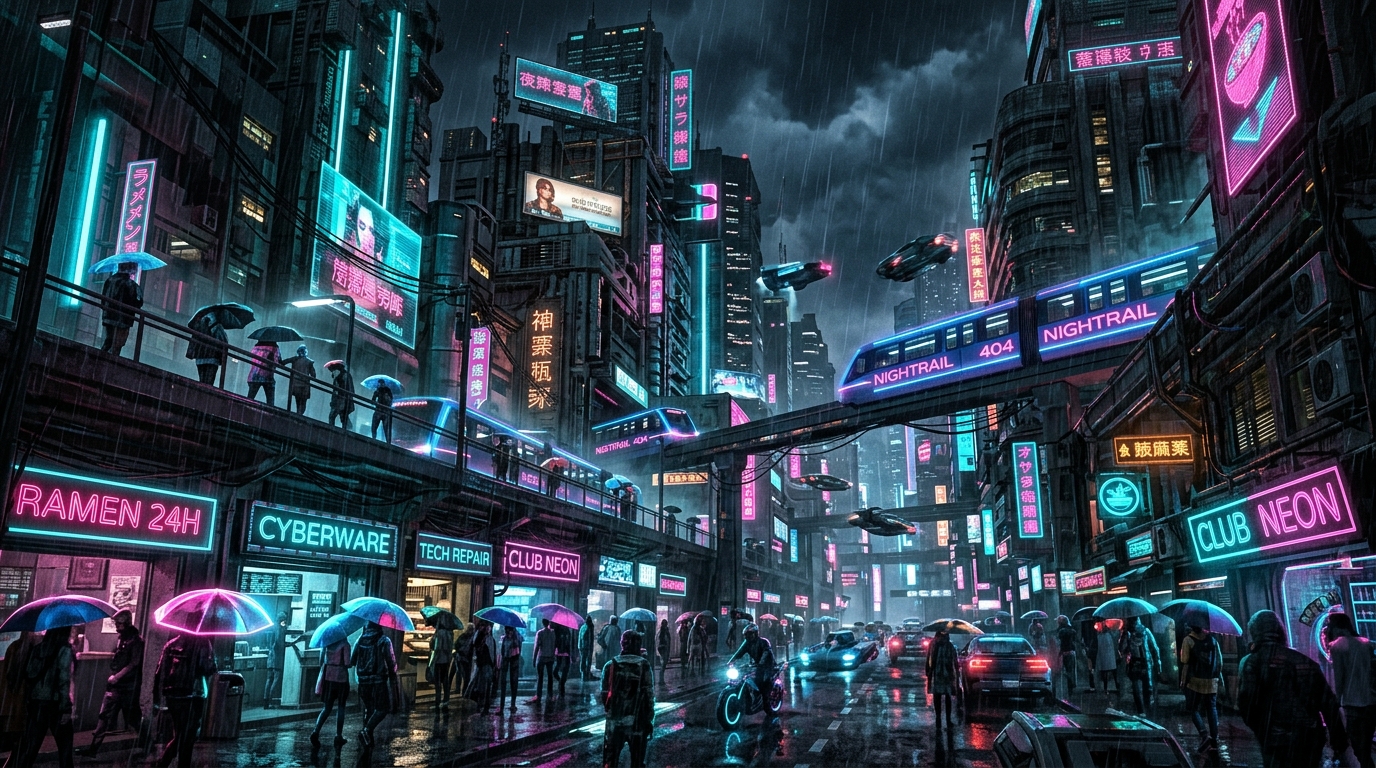
Cyberpunk Neon Noir
🌙 DarkHigh-energy electric magenta and cyan neon glow on dark obsidian glass for futuristic setups.
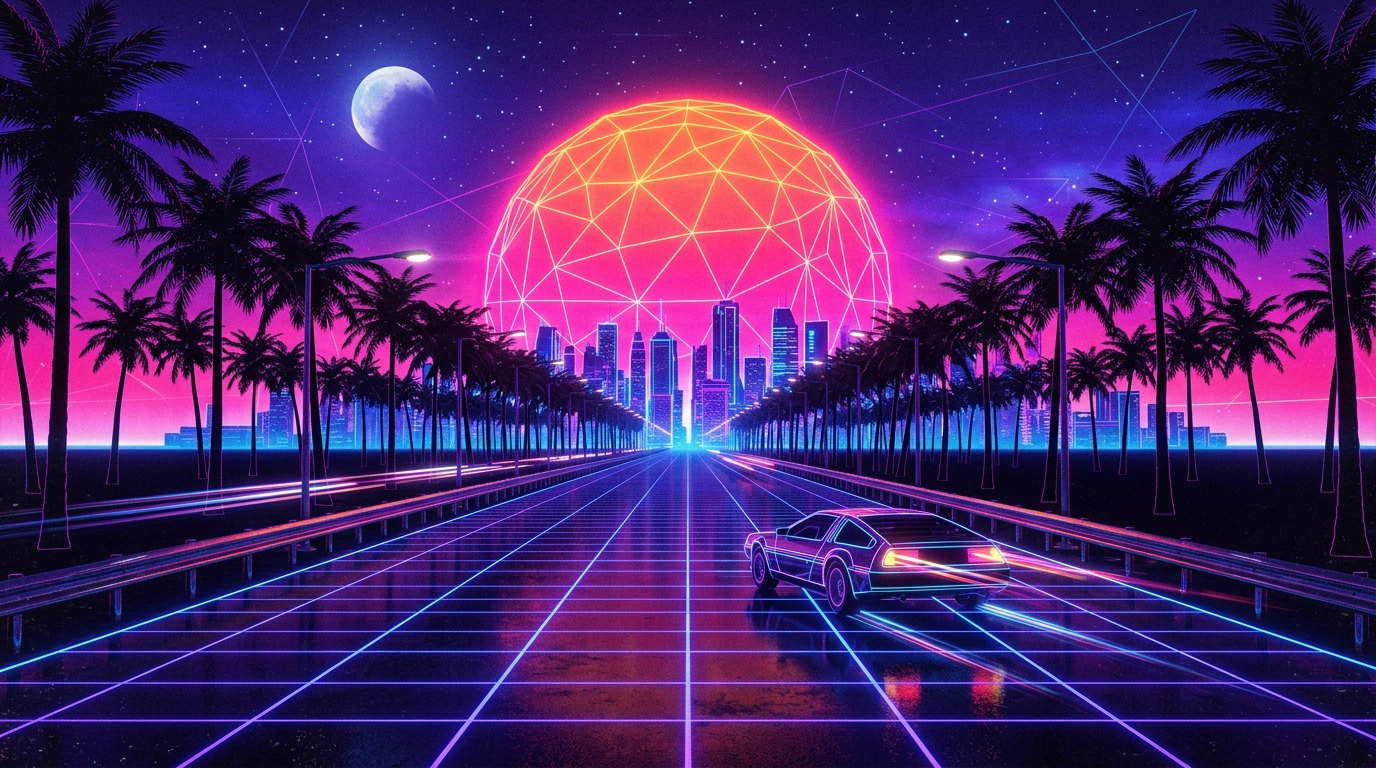
Sunset Synthwave & Outrun
🌙 Dark1984 retro-futuristic horizon featuring blazing orange dusk gradients, neon magenta grids, and synth aesthetic.
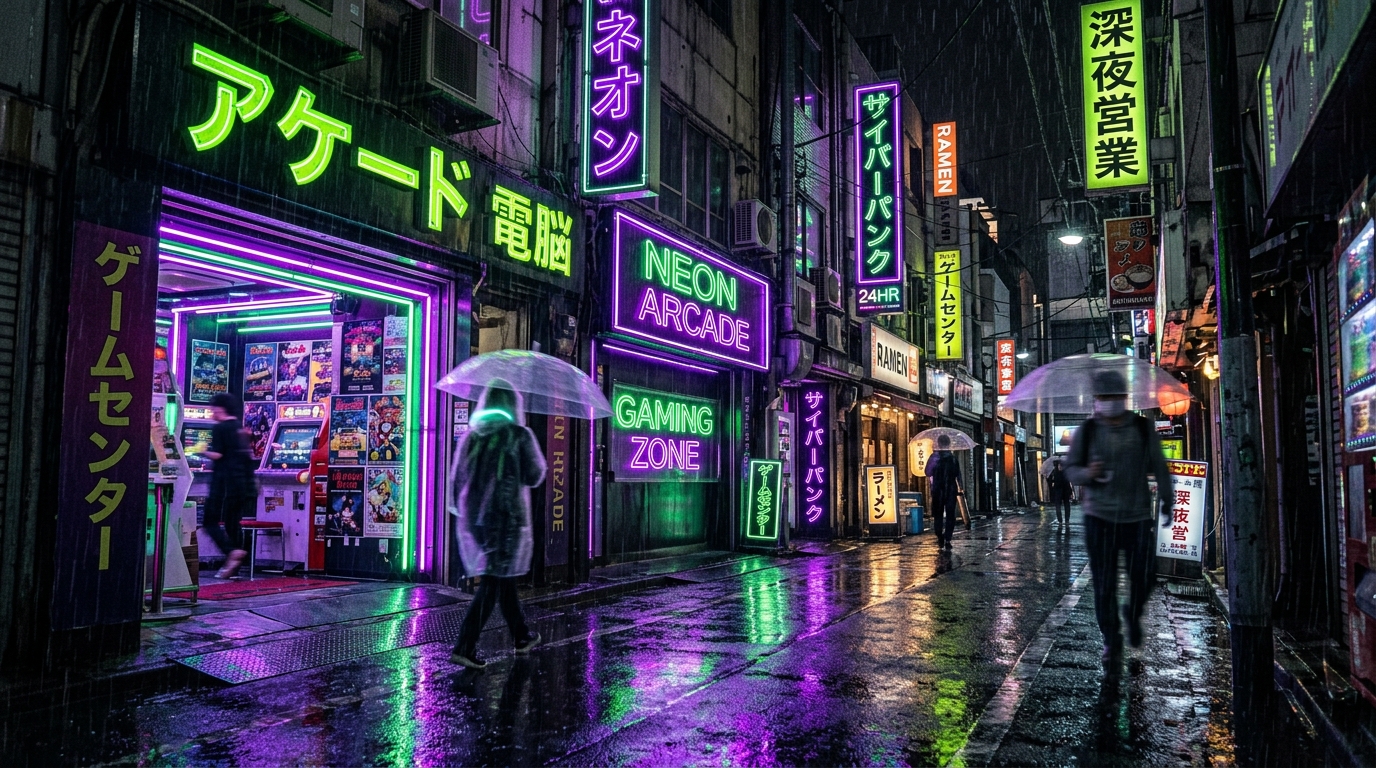
Tokyo Neon Rain & Arcade
🌙 DarkShinjuku midnight streetscape with electric arcade lime green, neon violet reflections, and dot taskbar indicators.
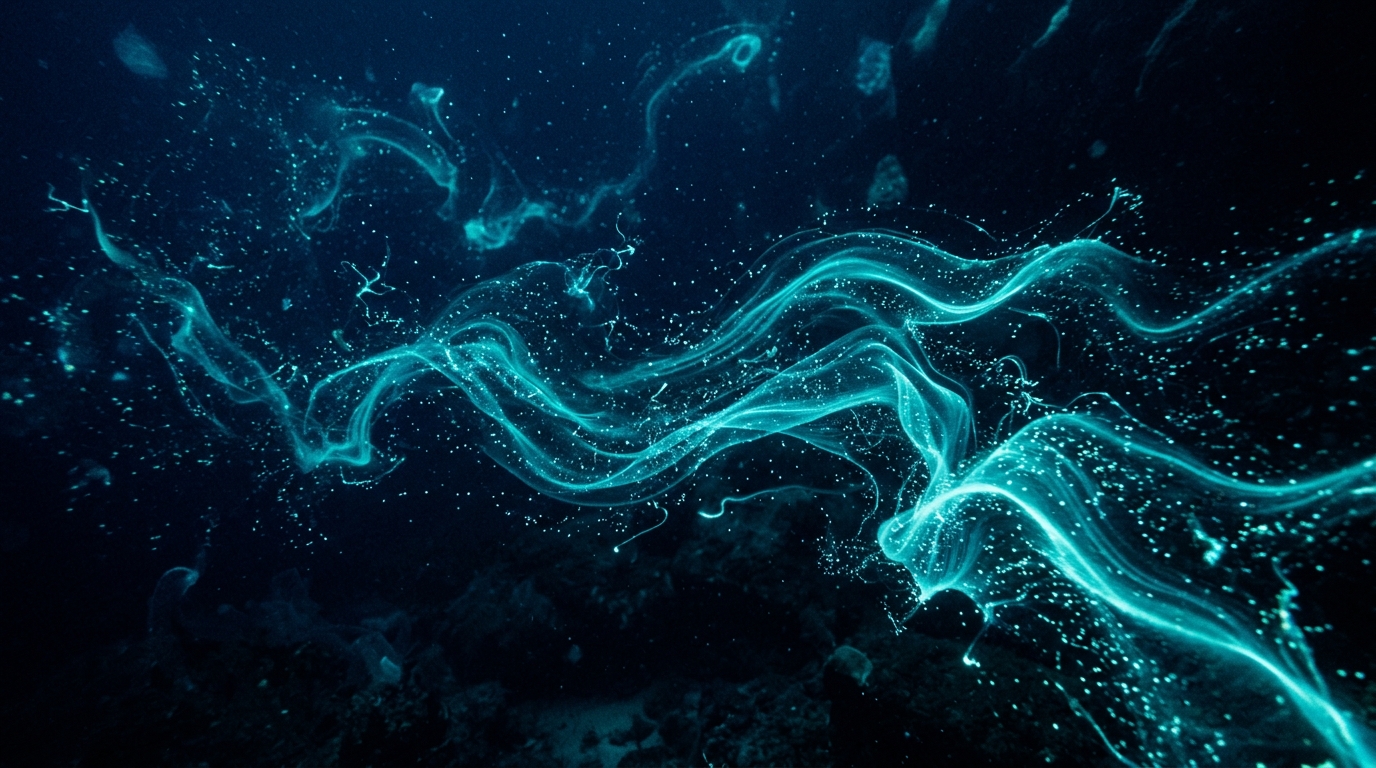
Deep Ocean Bioluminescence
🌙 DarkMidnight abyssal trench depths lit by vivid bioluminescent teal glow and thermal pink accents.
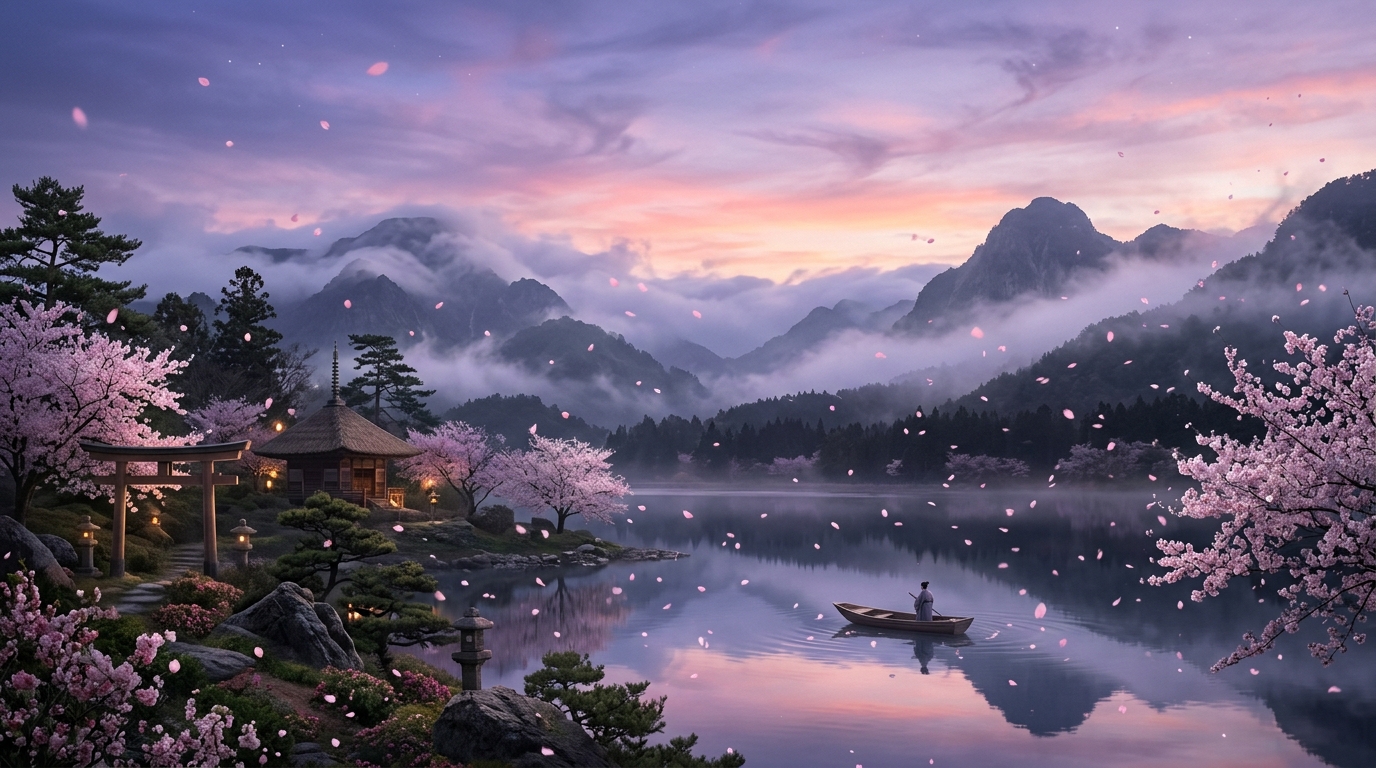
Ethereal Sakura & Cloud Mist
🌙 DarkDelicate blossom pinks and lavender cloud mist floating on a floating dock pill with frosted acrylic translucency.
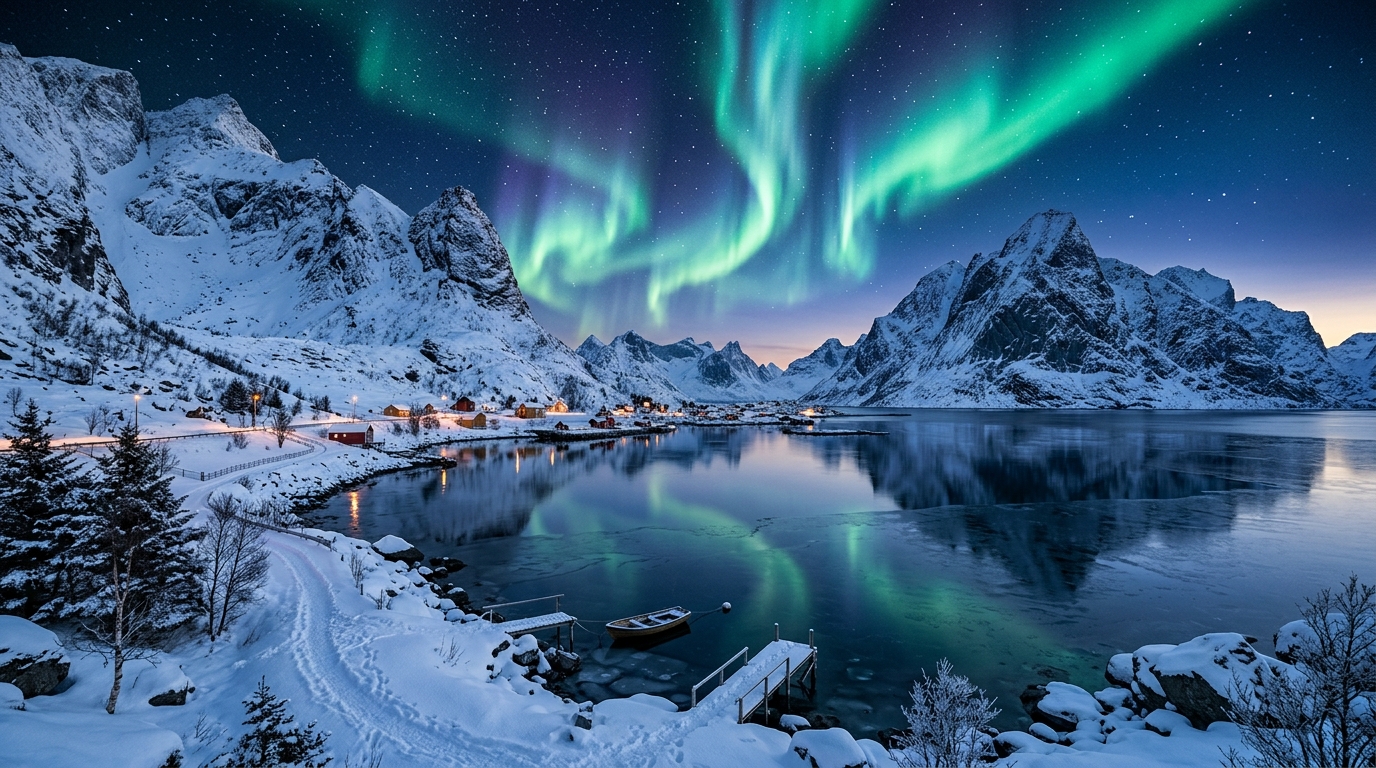
Nordic Frost & Aurora
🌙 DarkCrisp arctic ice blues and soft aurora mint highlights on an airy, frosted light-mode layout.
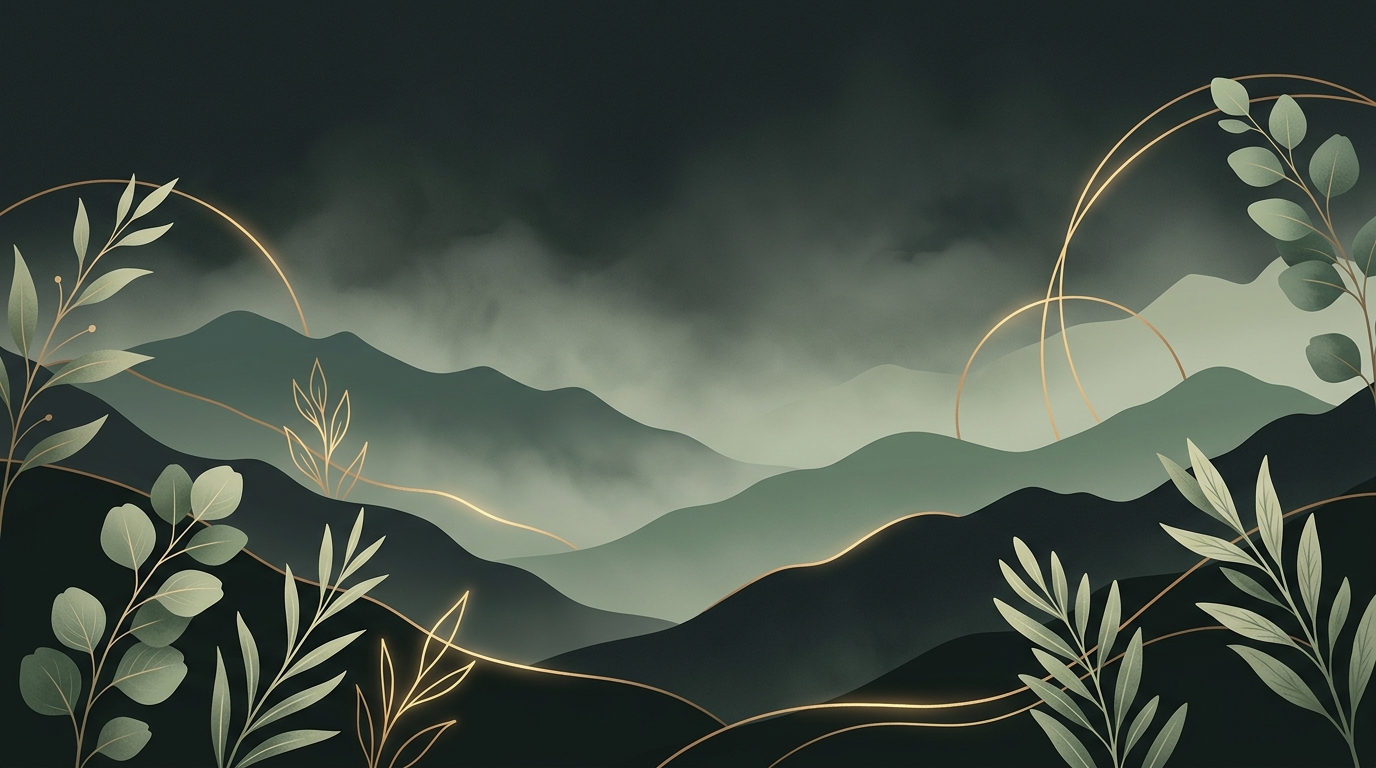
Forest Sage & Warm Brass
🌙 DarkOrganic woodland sage greens harmonized with warm brass gold accents and botanical wallpaper.
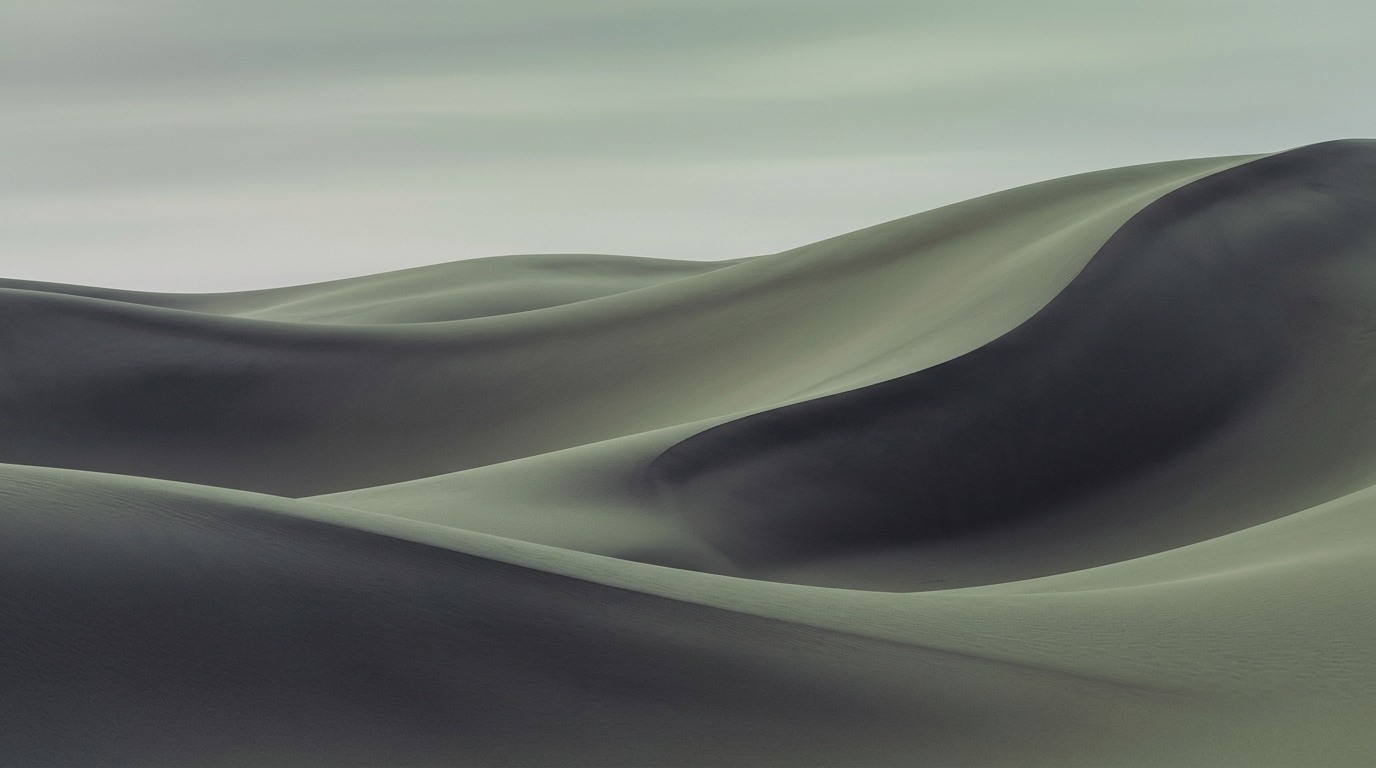
Minimalist Zen
🌙 DarkUnderstated matte slate surfaces, Japanese moss celadon accents, organic round corners, and zero distractions.
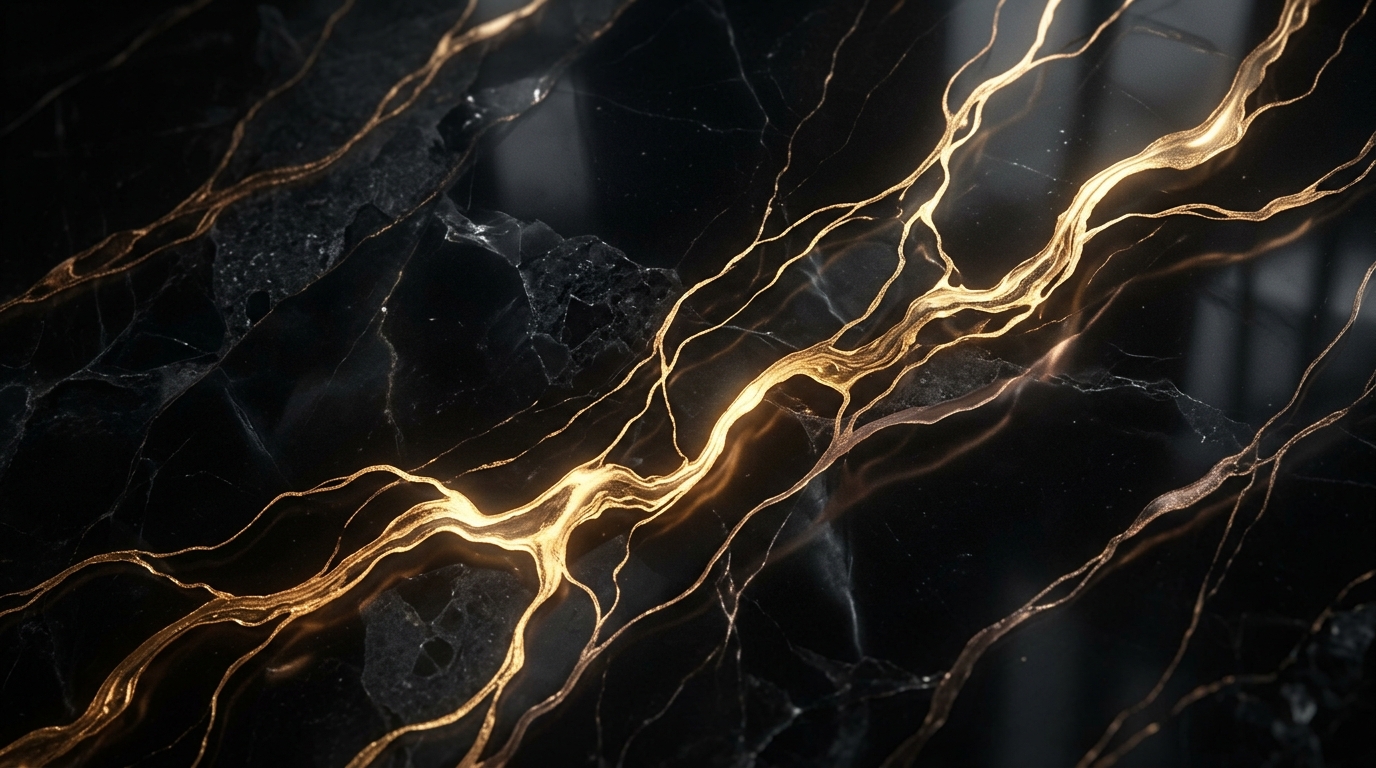
Royal Obsidian & Velvet Gold
🌙 DarkSumptuous imperial black ceramic finish trimmed with polished 24K gold borders and amber jewel tones.
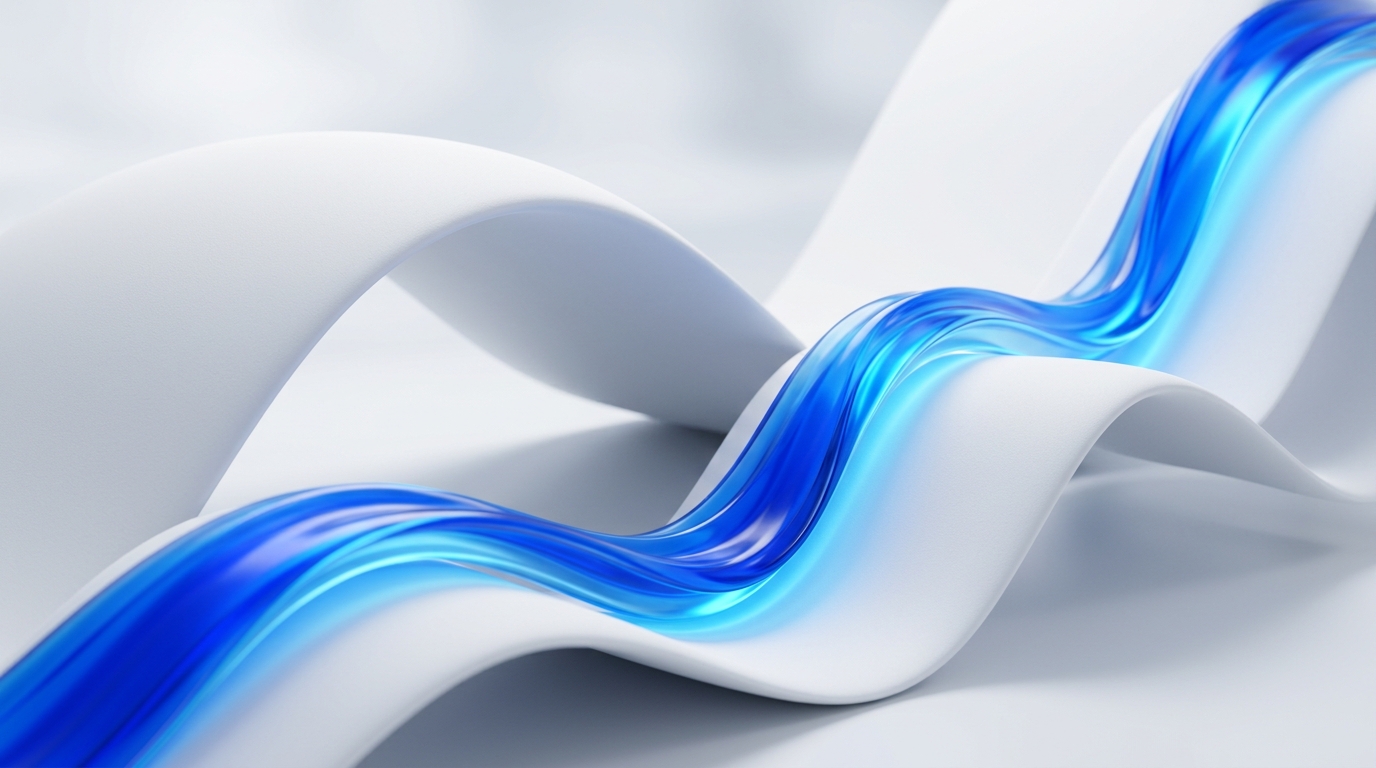
Cobalt & Porcelain
🌙 DarkDeep royal blues paired with pristine porcelain ice highlights and smooth frosted WinUI 3 glass.
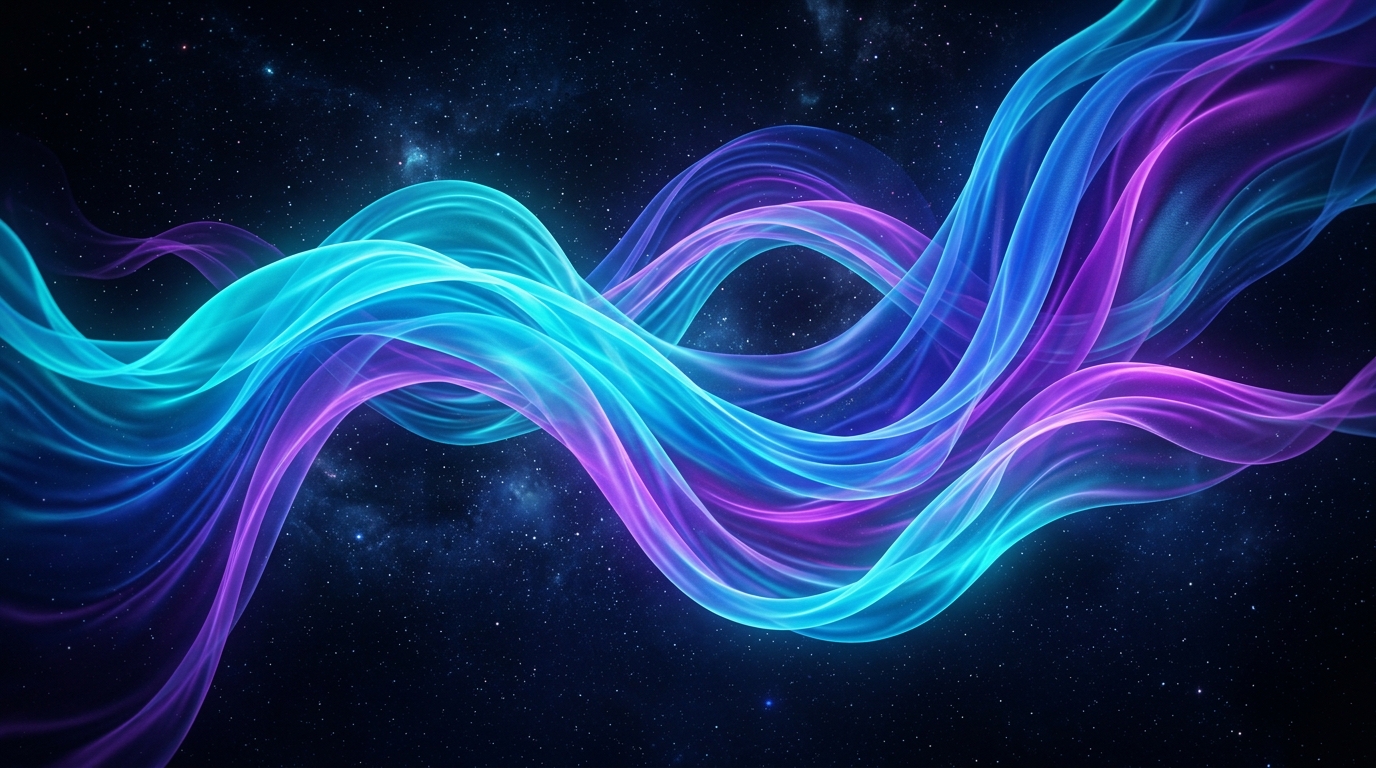
Aero Glass Classic
🌙 DarkWindows 7 Aero-inspired crystalline blues and subtle WinUI 3 borders for a modern glass revival.
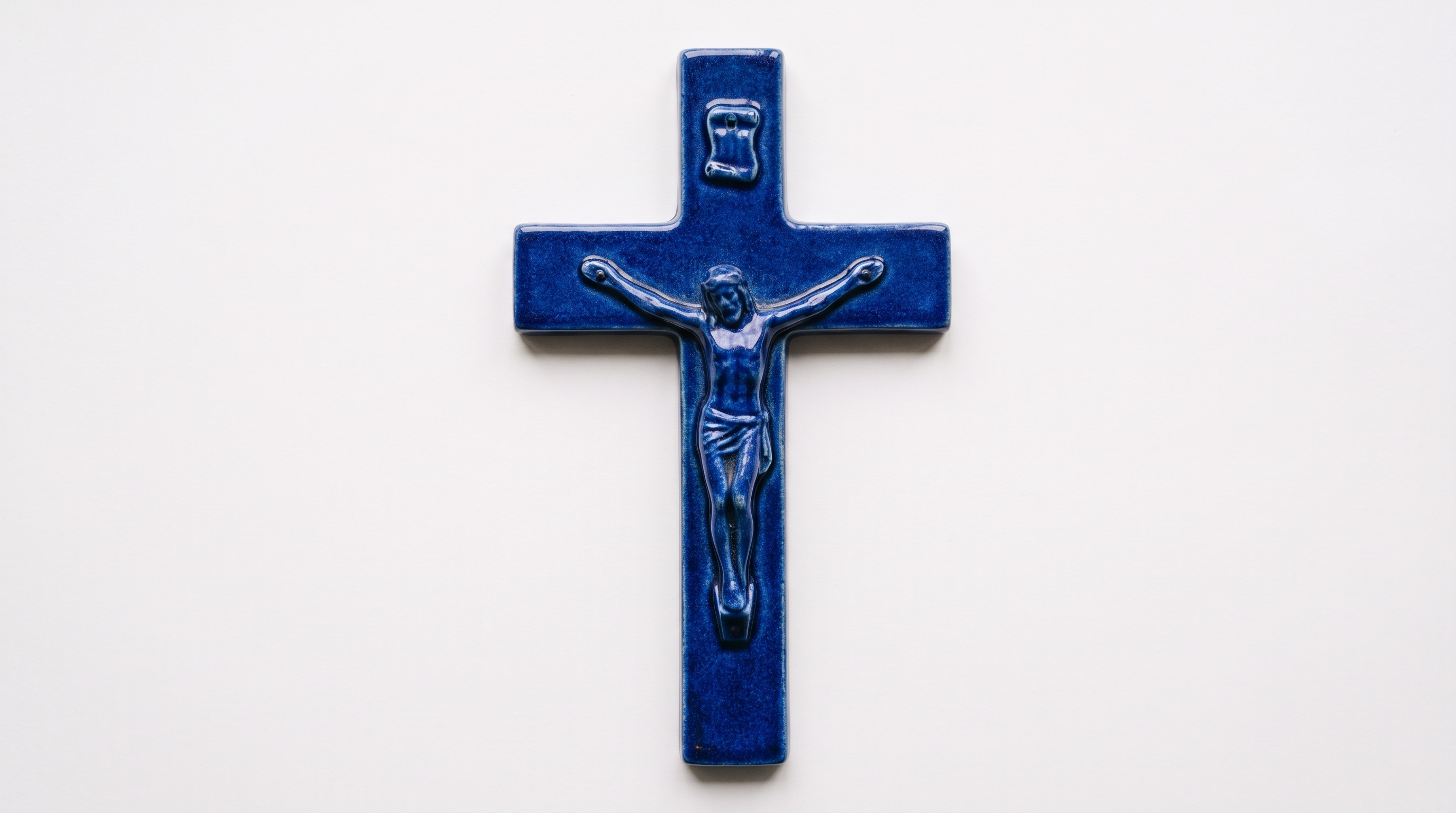
Blue & White Christian Crucifix Dark
🌙 DarkSacred cathedral navy matched with radiant cerulean blue spires and solemn acrylic glass depth.
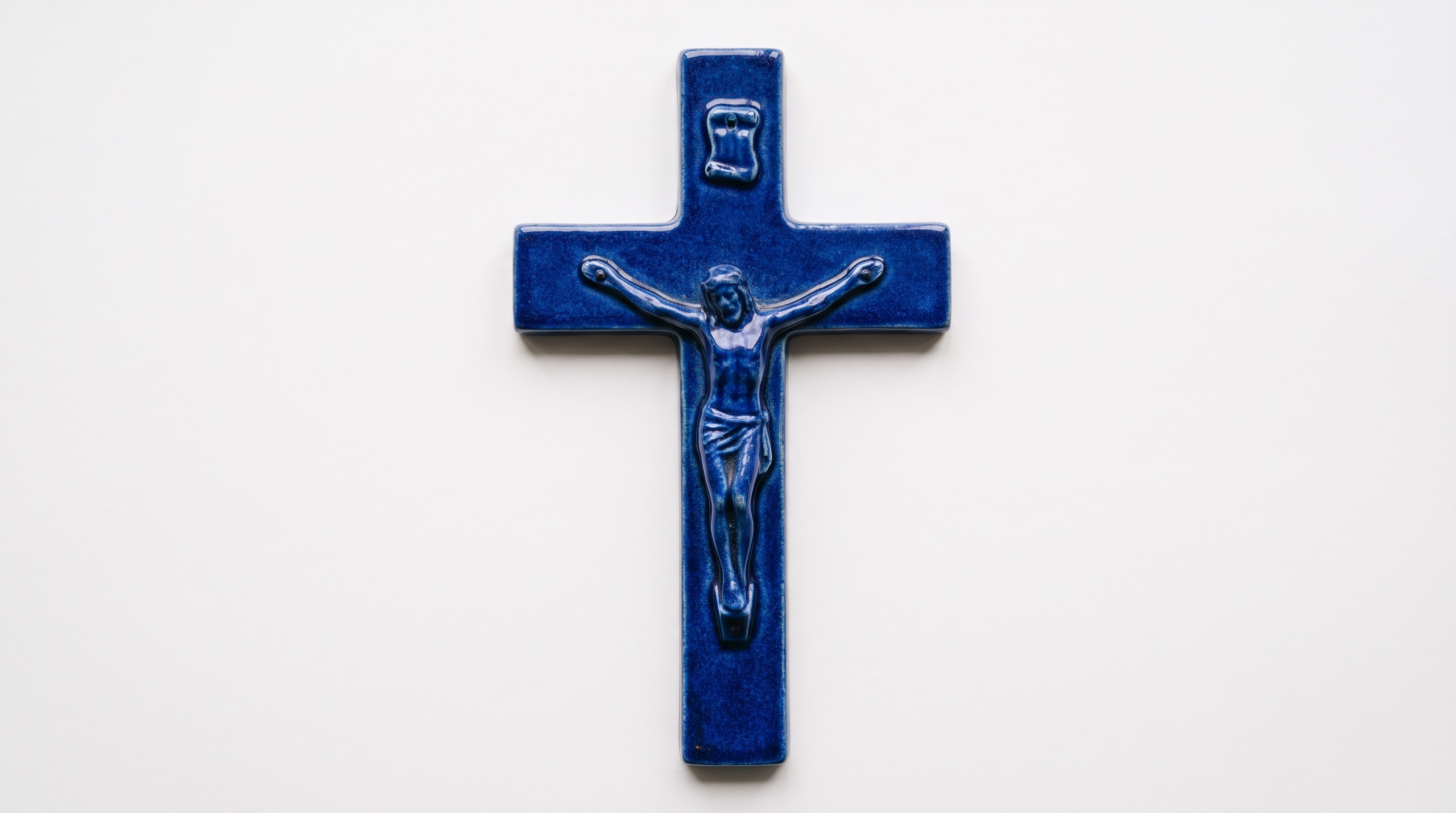
Blue & White Christian Crucifix Light
☀️ LightSerene church nave light mode with crisp cathedral cobalt lines over illuminated white marble.
Frequently Asked Questions
Everything you need to know about customizing Windows 11 safely with Windhawk.